Most developers manipulate strings daily — but very few understand how text actually works internally.
Why does "😀".length() return 2 in Java and JavaScript but 1 in Python? What does every developer need to know about modern text encoding? How are emojis stored internally?
This article explains ASCII, Unicode, UTF-8, UTF-16, and why emojis behave unexpectedly in code.
Text Handling Looks Simple — Until It Doesn't
Text handling in programming looks simple on the surface.
You write strings. You print characters. You compare text. Everything feels straightforward.
But internally, text handling is much deeper than most developers realize.
Questions like these all connect to the same foundation:
- Why does
"😀".length()return2in Java and JavaScript but1in Python? - Why do emojis sometimes break systems?
- Why do encoding mismatches produce weird symbols?
- Why are UTF-8 and UTF-16 different?
- Why is one visible symbol not always one character internally?
You have probably seen encoding problems in messaging apps, databases, terminals, or copied text suddenly turning into strange symbols.
To understand these behaviors properly, we first need to separate four important concepts:
- Character sets
- Unicode
- Encodings
- Storage representation
A visible symbol on screen is not always equal to one stored character internally.
Let's start from the beginning.
ASCII — The Early Character System
Early computers mainly handled English text.
For this purpose, systems used ASCII.
ASCII is a character encoding standard that assigns numeric values to characters.
In simple terms: Character → Numeric Value
This allowed computers to store and process human-readable text using numeric values internally.
ASCII contains 128 characters with values ranging from 0–127.
Each character maps to a unique numeric value.
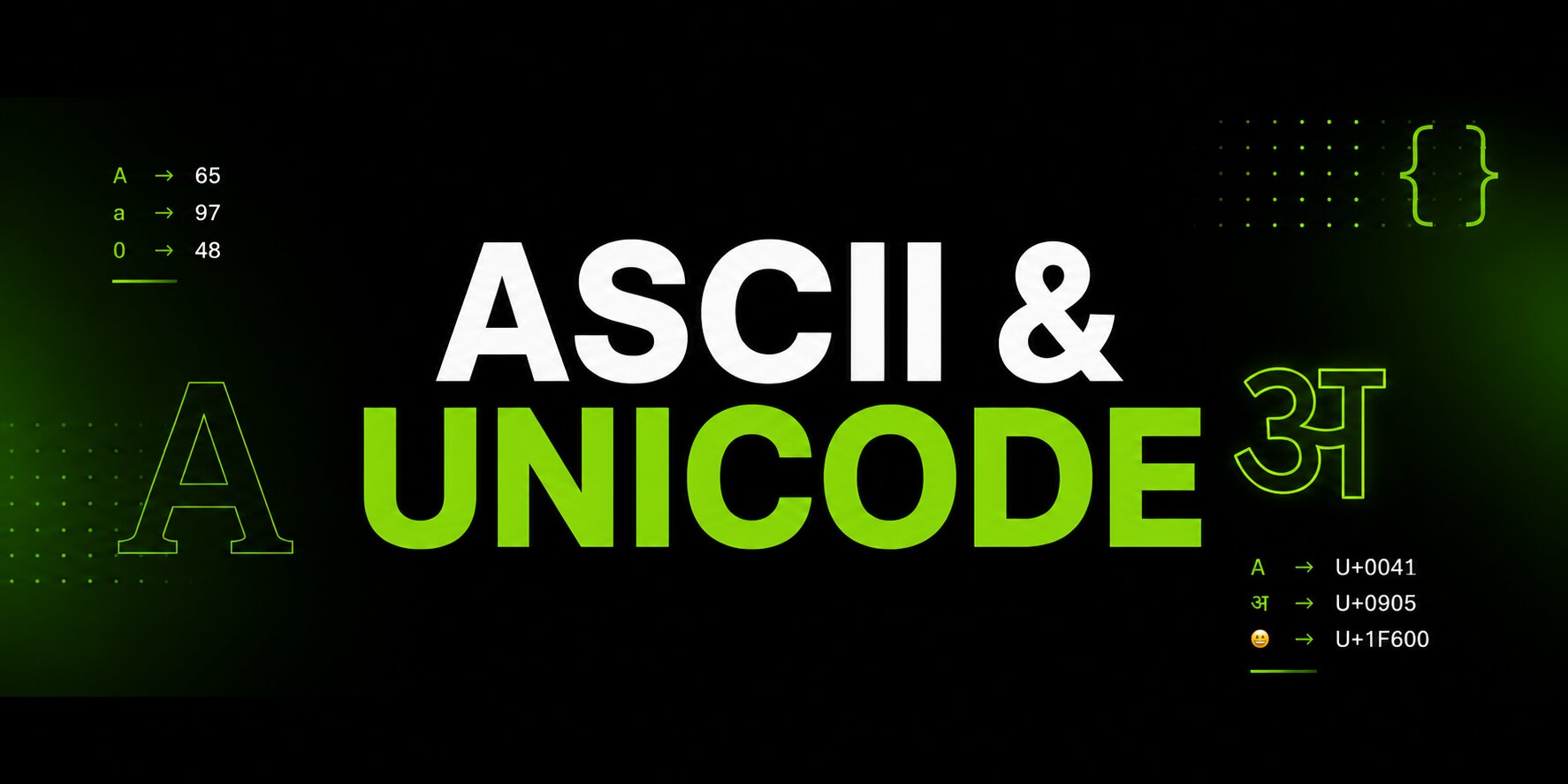
Examples: 'A' → 65 'a' → 97 '0' → 48 '$' → 36 ' ' → 32 '!' → 33
Since 127 fits in 7 bits, ASCII is a 7-bit character set — even though computers store it in an 8-bit byte, with the extra bit unused.
ASCII includes:
- English Letters
- Uppercase Letters: Codes
65–90(AthroughZ) - Lowercase Letters: Codes
97–122(athroughz)
- Uppercase Letters: Codes
- Digits
- Codes
48–57(0through9)
- Codes
- Special Characters & Punctuation
- Symbols like
! @ # $ % ^ & * ( )and< > = + - / ? : ;
- Symbols like
- Control Characters
- Codes
0–31and127 - Used for formatting and communication instead of displaying visible symbols Examples:
\n→ New line (ASCII 10)\t→ Tab (ASCII 9)\r→ Carriage return (ASCII 13)\b→ Backspace (ASCII 8)
- Codes
These characters usually do not display visible symbols on the screen. Instead, they are used to control formatting and communication behavior. A control character is a non-printing character used to trigger specific actions rather than display a visible symbol.
ASCII worked well for early English-based computer systems.
But it had a major limitation. It could not represent most world languages and symbols.
Characters like these do not exist in ASCII: अ 你 🍉 ₹ œ
ASCII simply did not have enough space for global text systems.
ASCII was designed mainly for English text and early computer communication — not for multilingual computing or modern internet communication.
Unicode — A Universal Character System
ASCII simply did not have enough space for global text systems.
Unicode solved this limitation.
Unicode is a universal character system that assigns a unique numeric identity to characters from different languages and symbol systems.
That unique numeric identity is called a Unicode code point.
Examples: 'A' → U+0041 'अ' → U+0905 '你' → U+4F60 '😀' → U+1F600
At first glance, this may look confusing. Because earlier in ASCII we saw 'A' → 65. But now Unicode says 'A' → U+0041.
So what changed? Did Unicode completely replace ASCII? Not exactly.
ASCII and Unicode Are Related
You can think of them like this: ASCII = small old character system, Unicode = massive universal character system.
ASCII says 'A' → 65. Unicode ALSO says 'A' → U+0041.
These actually represent the SAME character identity underneath. Because 65 decimal = 41 hexadecimal.
Unicode simply writes code points using hexadecimal notation.
So ASCII's 65 and Unicode's U+0041 both represent 'A'.
Unicode did not discard ASCII — it expanded it into a much larger universal system.
Unicode Kept ASCII Compatibility
Unicode intentionally kept the first 128 characters compatible with ASCII.
Why? Because otherwise old systems and software would completely break.
That means ASCII characters are also valid Unicode characters, and the first 128 Unicode code points match ASCII values.
Examples:
| Character | ASCII (Decimal) | Unicode |
|---|---|---|
A |
65 | U+0041 |
a |
97 | U+0061 |
0 |
48 | U+0030 |
Modern systems still heavily rely on ASCII compatibility internally.
What Is U+?
Unicode needed a standard notation to clearly indicate "this is a Unicode code point."
Otherwise a value like 41 could mean decimal 41, hexadecimal 41, a memory address, an ASCII value, or something else entirely.
So Unicode introduced U+ as a prefix marker.
Example: U+0041
Breakdown: U+ is the Unicode code point indicator, 0041 is the hexadecimal value.
Important: U+ does NOT create the number. It simply labels the value as a Unicode code point written in hexadecimal format.
Why Does Unicode Use Hexadecimal?
Unicode internally deals with very large numeric ranges.
Example: 😀 → U+1F600. In decimal, that same value becomes 128512.
Hexadecimal became more practical because it is shorter, cleaner, easier to read, and naturally aligned with binary systems.
ASCII also has hexadecimal representations.
| Character | Decimal | Hexadecimal |
|---|---|---|
A |
65 | 41 |
a |
97 | 61 |
But ASCII ranges were small enough that decimal notation was commonly used. Unicode became much larger, so hexadecimal notation became more practical.
Hexadecimal is widely used in low-level systems because one hex digit maps cleanly to 4 binary bits.
Important: U+ Expects Hexadecimal
Unicode notation expects hexadecimal values after U+.
Correct: U+1F600 Incorrect: U+128512
Why? Because 128512 is a decimal value, not hexadecimal. The correct hexadecimal form is 1F600.
So 😀 → U+1F600 is the proper Unicode notation.
What Is a Unicode Code Point?
Unicode says every character gets a unique number. That unique number is called a Unicode code point.
Example: Character A, Unicode code point U+0041.
So A is the visible character, and U+0041 is its Unicode identity or code point.
Similarly, 😀 → U+1F600 means the emoji 😀 has Unicode code point U+1F600.
A Unicode code point is a character identity — not its storage format.
Important: Code Point ≠ Storage
A Unicode code point is NOT storage yet. It is only character identity.
Example: 😀 → U+1F600. Unicode only defines Character → Numeric Identity. It does NOT define how many bytes are used, UTF-8 storage, UTF-16 storage, or memory representation.
Computers still need a way to store those values in memory and transmit them across systems. That is where UTF encodings enter the picture.
Unicode supports world languages, emojis, currency symbols, mathematical symbols, technical symbols, and much more.
This is why Unicode became the foundation of modern text systems.
In this article, we learned how ASCII works, how Unicode extends it, and why U+ always expects hex.
Read Part 2 — UTF-8, UTF-16, UTF-32 and Emojis, where we cover UTF-8, UTF-16, UTF-32, and finally answer why .length() gives a different answer for the same emoji.